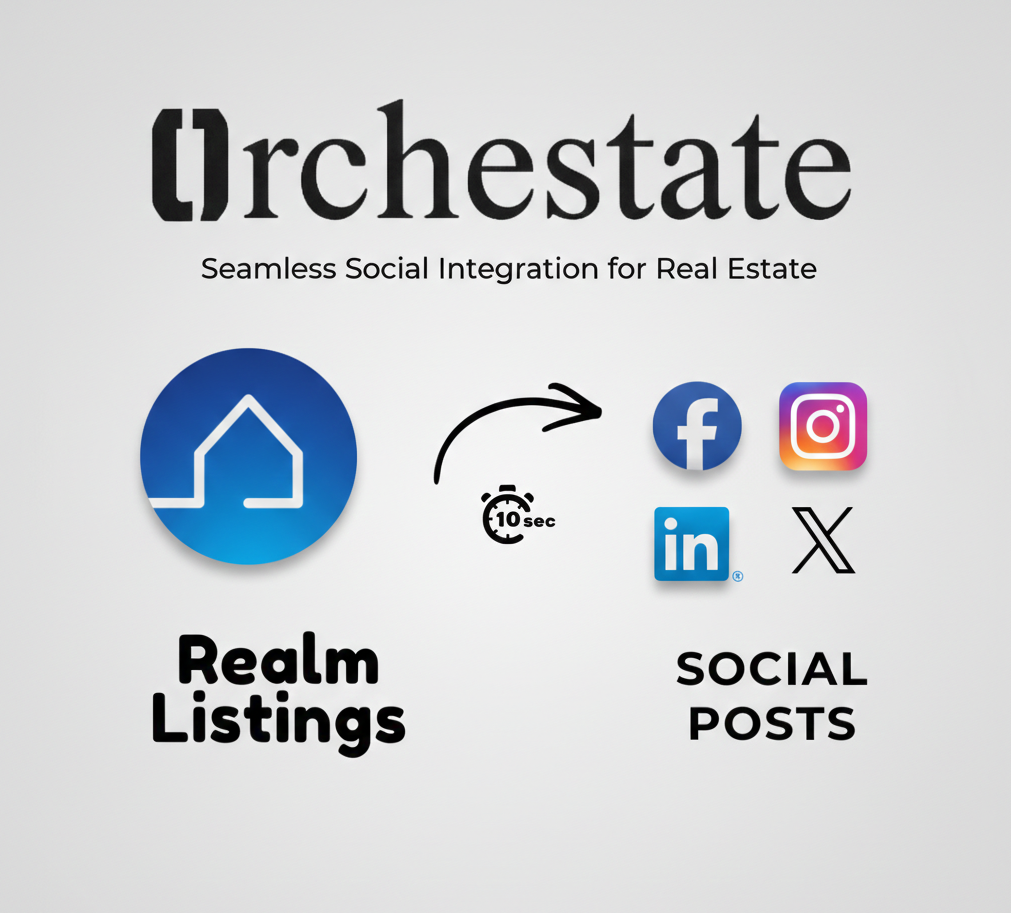
Marketing a real estate listing no longer needs to be a manual, time-consuming process. With REALM and Orchestate, realtors can now convert MLS listings into ready-to-post social media content in just a few steps.
This guide walks through exactly how to take a listing from app.realm.ca and generate social media posts using orchestate.ca—no copying descriptions, no formatting, and no switching between multiple tools.
Why Automating Listing Marketing Matters
Traditionally, posting a listing on social media involves:
- Downloading listing images from the MLS
- Rewriting MLS descriptions for each platform
- Adjusting captions for Facebook, Instagram, LinkedIn, and X
- Manually posting across all platforms separately
This repetitive workflow takes time away from clients, follow-ups, and deal-making. Automation removes that friction entirely.
By connecting REALM with Orchestate, you eliminate the manual steps and focus on what matters most—closing deals and building relationships.
Step 1: Find Your Listing in REALM
Start by logging into your REALM account:
- Go to app.realm.ca
- Search for any MLS listing you want to promote (your own listing or any listing on the market)
- Copy the MLS ID number associated with that listing
That MLS ID is all you need for the next step. No need to download images or copy property descriptions—Orchestate handles everything automatically.
Step 2: Open Orchestate and Go to the Generate Tab
Next, head over to orchestate.ca:
- Log in to your Orchestate account
- In the left navigation panel, click Generate
- Select Listing Post mode
This section is designed specifically for turning MLS listings into marketing content. The Listing Post mode pulls all relevant property data directly from the MLS, so you never have to manually enter listing details again.
Step 3: Paste the MLS ID and Select Platforms
Inside Listing Post mode:
- Paste the MLS ID you copied from REALM
- Choose the social media platforms you want content for:
- Facebook – Perfect for community engagement and detailed posts
- Instagram – Visual-first content with optimized captions
- LinkedIn – Professional network posts for B2B connections
- X (Twitter) – Quick, attention-grabbing updates
Orchestate automatically pulls listing data and prepares content tailored to each platform's best practices and character limits.
Step 4: Generate Your Listing Posts Using AI
Once your MLS ID and platforms are selected:
- Click Generate
- Orchestate's AI creates:
- Platform-specific captions optimized for engagement
- Properly formatted content for each network
- Listing-ready posts with all key property details
Within seconds, your posts are ready—without manual rewriting or redesigning. The AI understands what works on each platform and crafts content that drives engagement.
Pro Tip: You can generate posts for multiple listings in a row. Just swap out the MLS ID and click Generate again. Build an entire week's worth of content in under 10 minutes.
What Makes This Workflow Different
By combining REALM and Orchestate, realtors can:
- Work directly from MLS data – No more copying and pasting property details
- Avoid duplicate data entry – Enter the MLS ID once, get posts for all platforms
- Keep messaging consistent – AI ensures your brand voice stays uniform across channels
- Reduce listing marketing from hours to seconds – What used to take 30+ minutes per listing now takes under 60 seconds
Most importantly, this workflow allows agents to focus less on formatting and more on what truly matters: client relationships and closing deals.
The Complete REALM to Social Media Workflow
Here's the entire process at a glance:
- Log into app.realm.ca and find your listing
- Copy the MLS ID from the listing details
- Open orchestate.ca and go to Generate → Listing Post
- Paste the MLS ID and select your platforms
- Click Generate and get your posts instantly
- Review, customize if needed, and schedule or post immediately
That's it. Six simple steps to transform any REALM listing into professional social media content.
Who Benefits Most From This Integration
This workflow is ideal for:
- Busy agents who need to market listings but don't have time for manual content creation
- Teams that want consistent branding across all agent posts
- New agents who want to compete with established realtors on social media
- Brokerages looking to help their agents market more effectively
Whether you're listing one property a month or ten properties a week, this workflow scales with your business.
Final Thoughts
REALM already holds the listing data realtors rely on every day. Orchestate extends that workflow by transforming MLS listings into social media content automatically.
With just an MLS ID and a few clicks, realtors can now market listings faster, more consistently, and with far less effort.
Stop spending hours on listing marketing. Start using the tools that work together to give you back your time.
Get Started Today
Ready to transform how you market your listings?
Visit orchestate.ca to create your free account and see how easy it is to turn any REALM MLS listing into professional social media content in seconds.